OpenCode is Best for Me
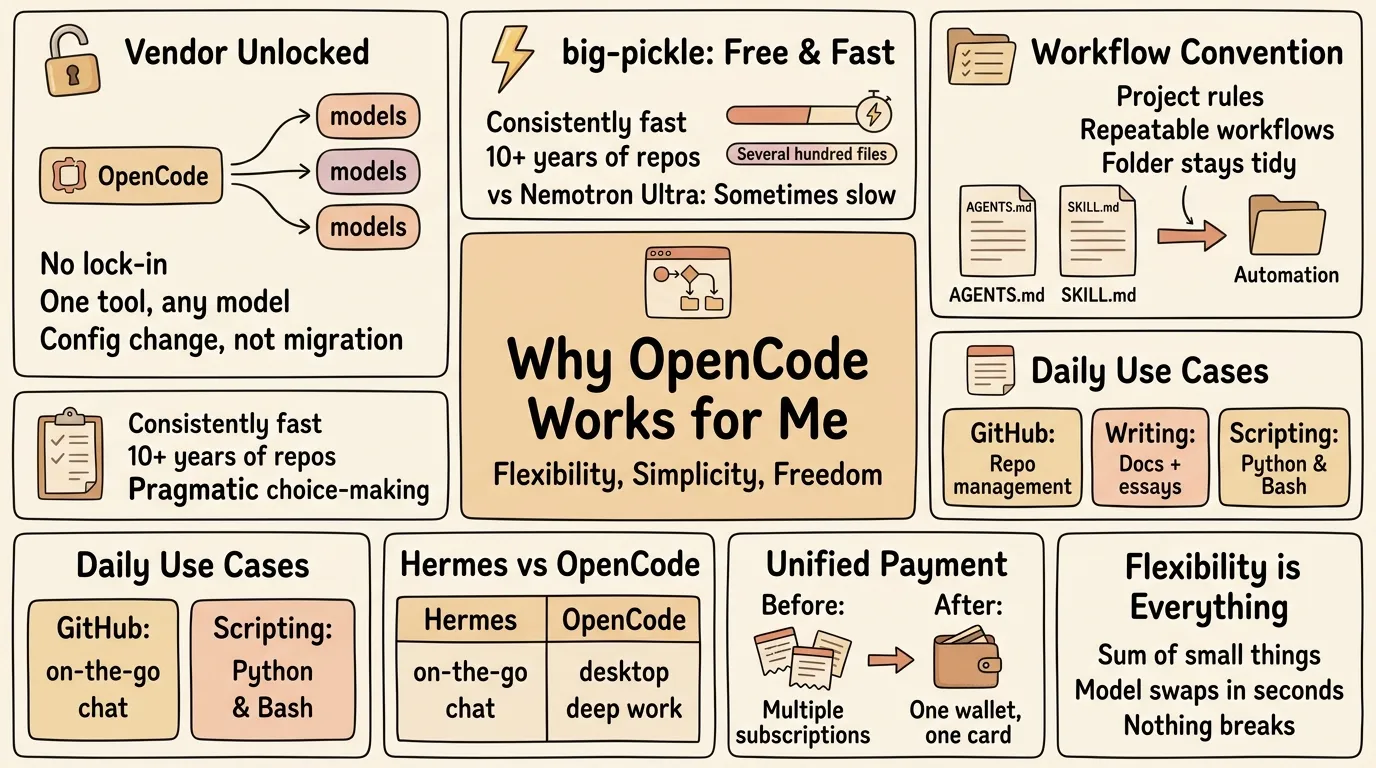
I’ve used Codex and Claude in the terminal on my Arch Linux + Hyprland machine, and paid dollars then dollars to Google, Anthropic, OpenAI, Kimi… Then I stopped at OpenCode + OpenRouter — and I still keep Hermes Agent ⚕, which is another story.
Context (and disclaimer: very personal opinion):
- vi/ vim for quick edits, Cursor only as a markdown editor — I don’t use (and don’t like) its agent
- OpenCode in terminal only
Vendor Unlocked
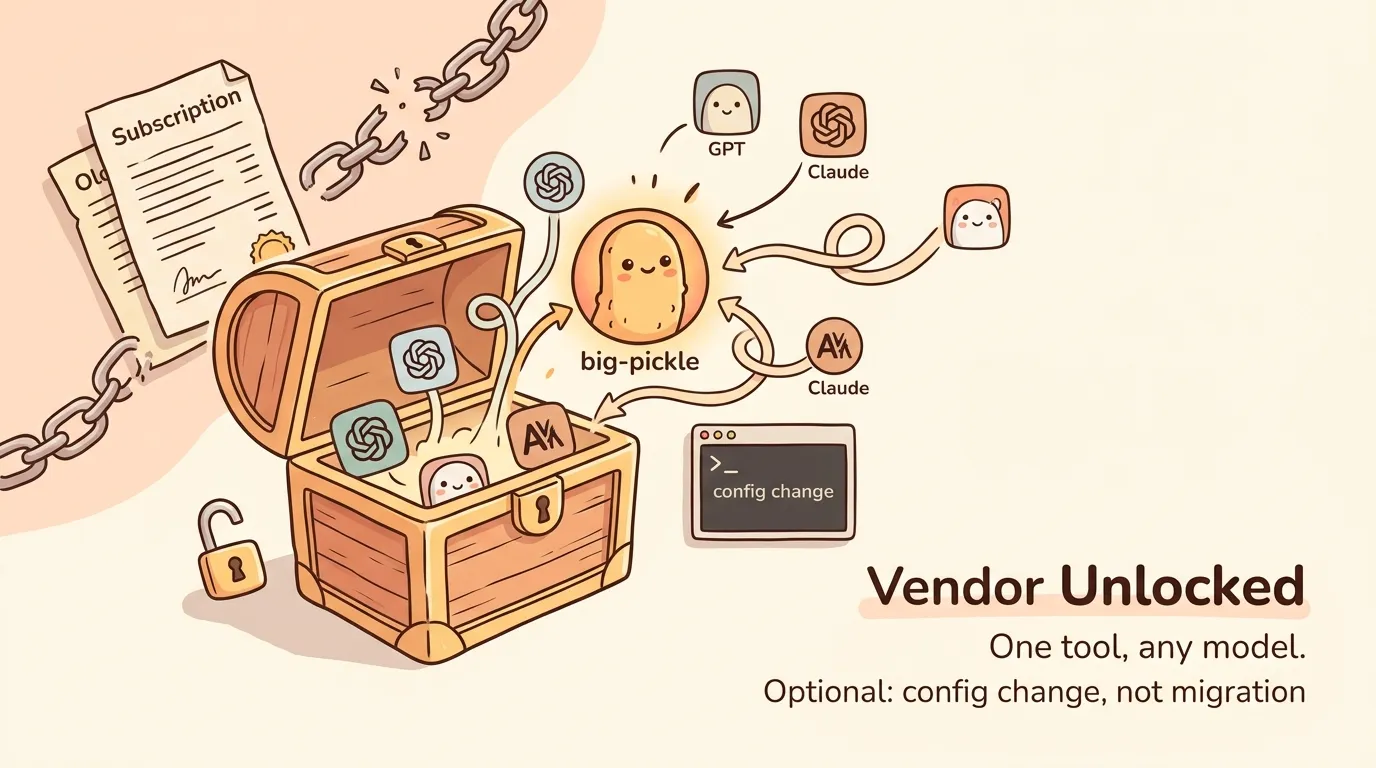
The first, obvious one: no lock-in. I want the freedom to get in and out simply — same reason I run open source.
Better still, OpenCode becomes a universal agent platform — one tool, any model. I’m not married to a provider, and switching models is a config change, not a migration.
big-pickle is Pretty Good
It’s the model I default to in OpenCode. I use it to manage the look-simple-but-complex logic scattered across more than 10 years of GitHub repos — several hundred documents and code files in Python, Bash, and more. When I tidy up, I honestly don’t think I’d finish the cleanup in just a few hours without AI.
It’s robust and, best of all, free. Compared to Nvidia Nemotron Ultra (also free), big-pickle is consistently fast rather than sometimes quite slow.
Working with OpenCode: AGENTS.md & SKILL.md
Two things make OpenCode feel like it already knows my projects.
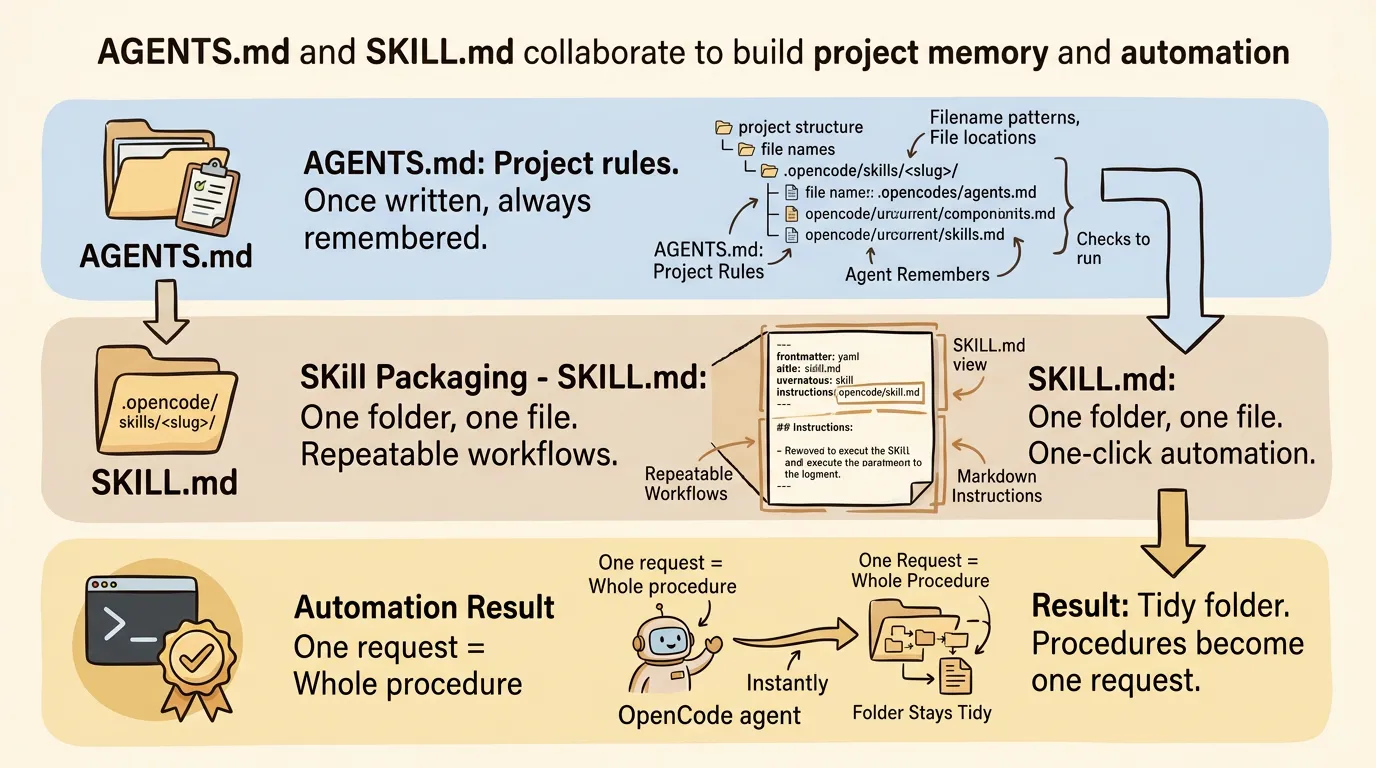
- Keep an AGENTS.md per project — the must-know file: filename patterns, where files live, what to always check. I create it once and update it as I go, so OpenCode remembers the rules instead of me repeating them.
- Write SKILL.md for OpenCode — a skill packages a repeatable workflow (steps, rules, examples) that OpenCode loads when a task matches. Once it’s written, a whole procedure becomes one request.
The side benefit: the folder stays tidy. With other agents (Hermes, OpenAI, Claude…) everyone invents its own pattern and I miss files; with OpenCode, the rule sticks.
SKILL.md for OpenCode
A skill is one folder + one file: .opencode/skills/<slug>/SKILL.md. The SKILL.md holds a YAML frontmatter on top and the instructions as markdown below — no separate config file needed.
The frontmatter really only needs two fields: name (matching the folder, lowercase-hyphenated) and description — what it does and when to trigger it, because that’s all OpenCode sees when deciding to load the skill. Optional extras: license, compatibility, metadata.
OpenCode finds skills by scanning for **/SKILL.md up to the git worktree, and pulls in the full body only when a task matches — so a whole procedure becomes one request.
Full reference: https://opencode.ai/docs/skills/
What I Usually Use OpenCode For
Day to day, OpenCode covers three things:
- GitHub — managing and cleaning up my scattered repos
- Writing — documents and my history/philosophy essays
- Light scripting — not-very-complex Python and Bash
Two Agents I Use Daily
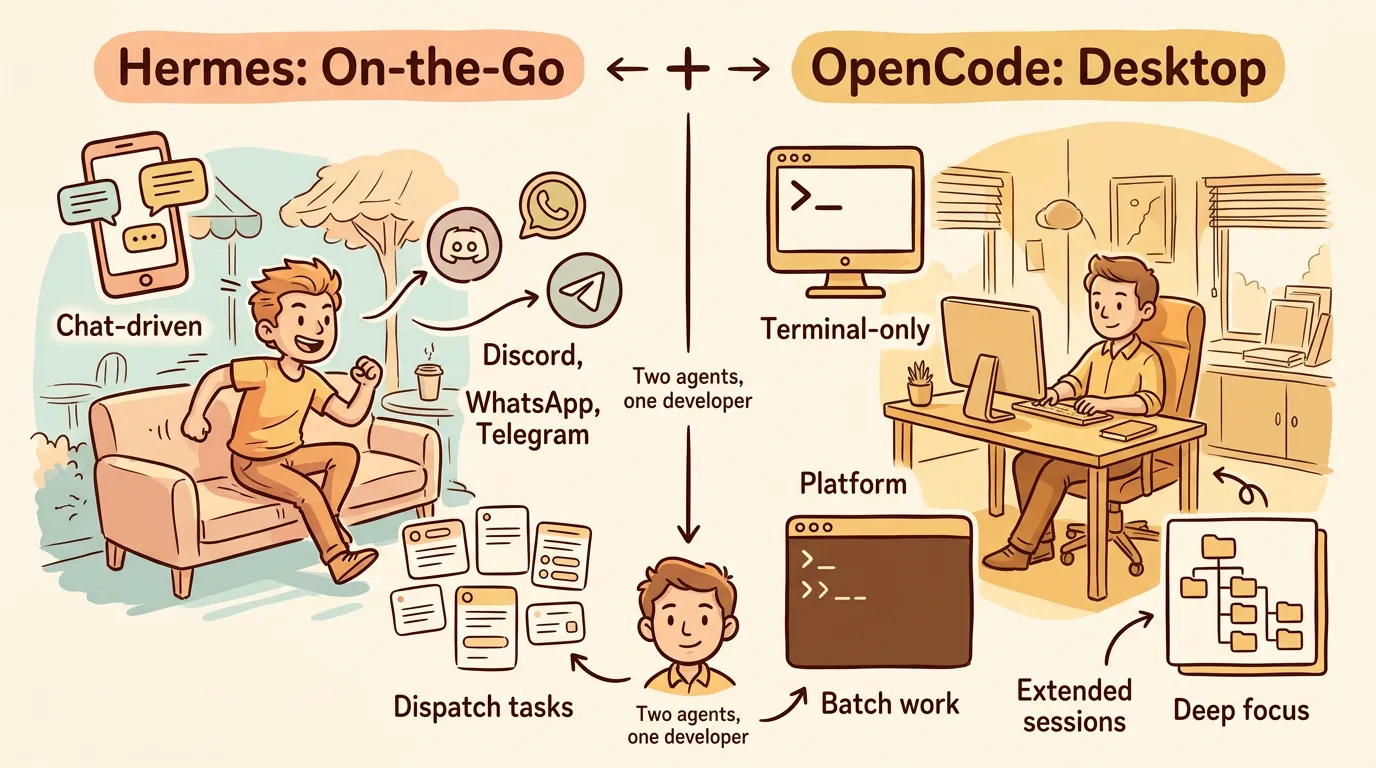
Hermes is for on-the-go, where I can talk to and operate my agent through Discord, WhatsApp and Telegram for separate tasks. For most writing or coding, I sit at my desk with OpenCode to finish the work.
Unified Payment with OpenRouter
I used to pay separately at Google, OpenAI and Anthropic and it’s a mess — I had to remember to subscribe, add additional credit, or whatever. Can’t handle it. I found OpenRouter.ai is a good place to hold my credit card and I just monitor the charges from there. When I want a different model, I just switch models in OpenCode in seconds — nothing else changes.
Conclusion
So is OpenCode the best? For me, yes — but not because of any single feature. It’s the sum of small things: no vendor lock-in, a model I trust for daily work, conventions I can actually enforce, and one wallet to pay. I can swap the model in seconds and nothing breaks. That flexibility is what keeps me here, and I don’t see myself leaving any time soon.